
Google Play · Android
AppLockGuard: App Lock
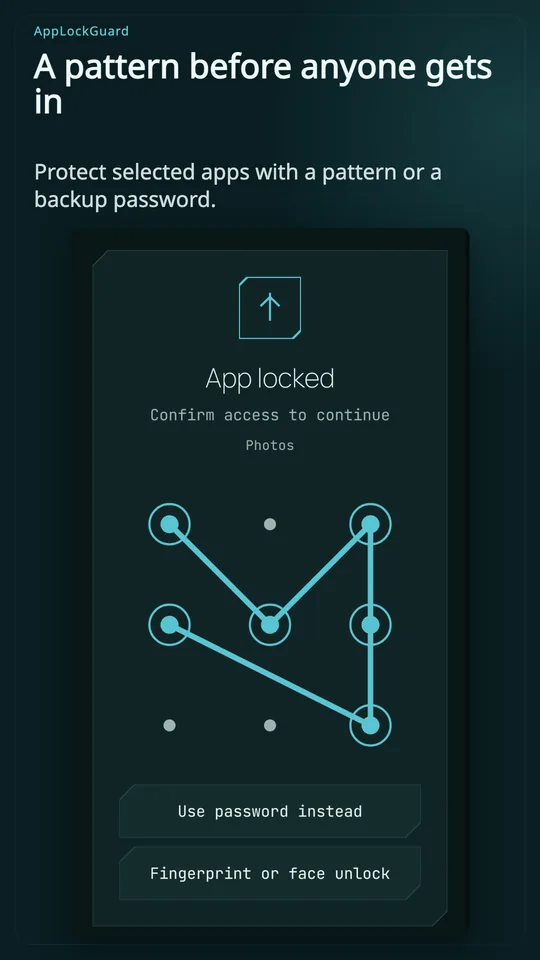
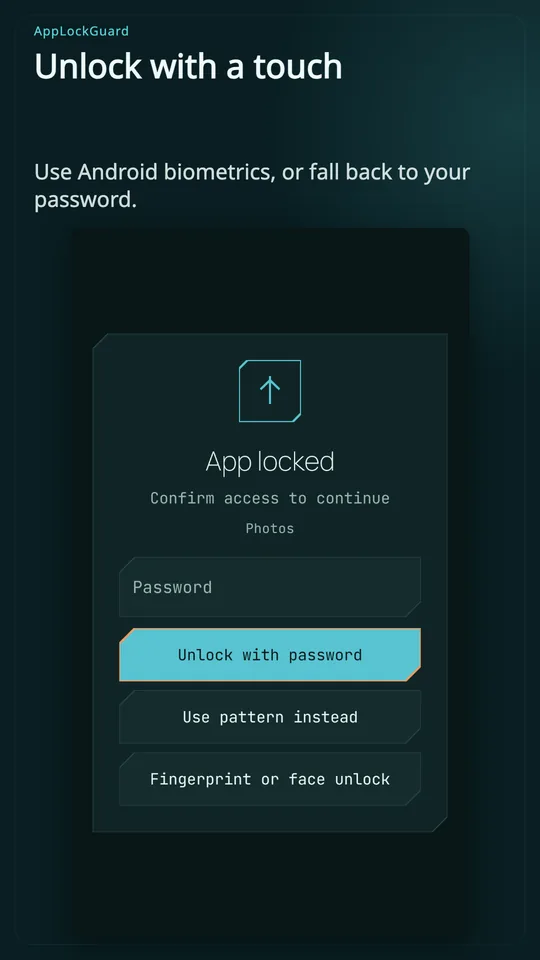
Hand over your phone with more peace of mind. Lock private apps with a password.
Keep personal conversations personal.
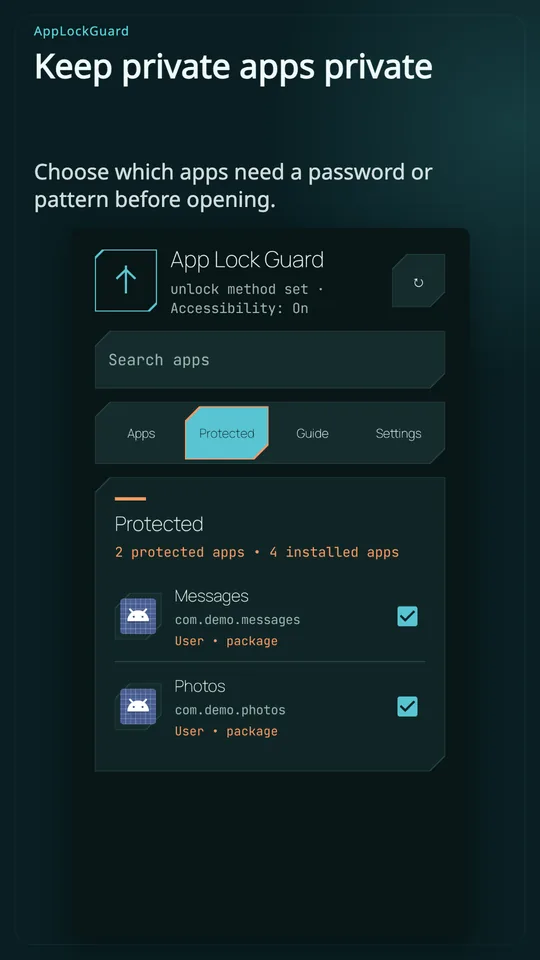
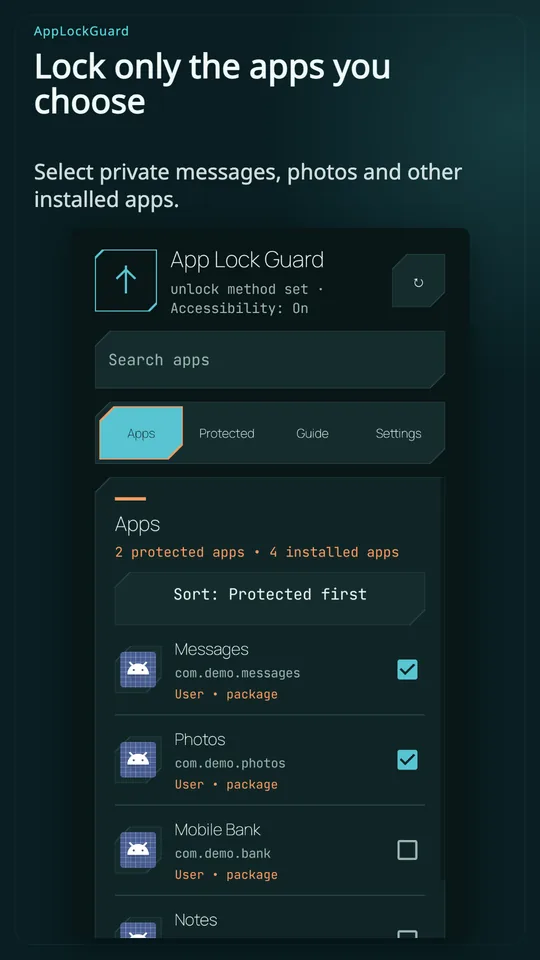
AppLockGuard places an unlock screen before the Android apps you choose. Protect access to messages, your gallery and other private screens when someone else uses your phone.
• Unlock with a password or pattern
• Use fingerprint or face unlock on supported devices
• Find apps with search and a protected-app list
• Choose when apps lock again
• Switch between light and dark themes
Accessibility or Usage Access is required to detect an opened app. Some devices also need background or autostart permission. Data stays on your phone; the app has no internet permission.
Choose the apps you want to protect.
studio.osvald.applockguard