 ClipSync
Clipboard · Files · Notifications · Local Wi-Fi
Control your phone from your computer over local Wi-Fi
ClipSync shares clipboard, files, notifications, and calls between Android, Mac, Linux, and Windows. Available outside Google Play for $19 once with zero cloud tracking.
$19 · egyszer, az összes eszközödre
- Android
- Linux
- Windows
- macOS
ClipSync
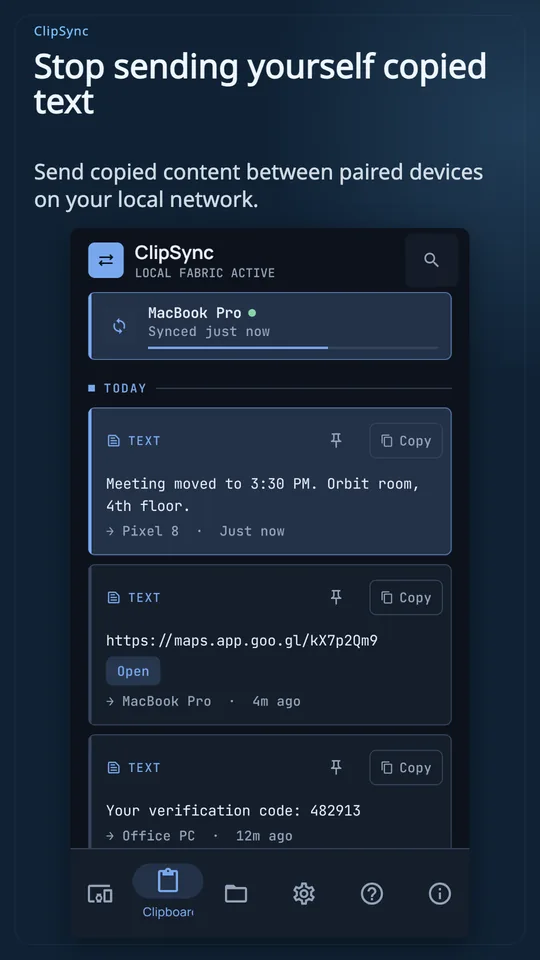
I am tired of sending links and snippets to myself in chat.
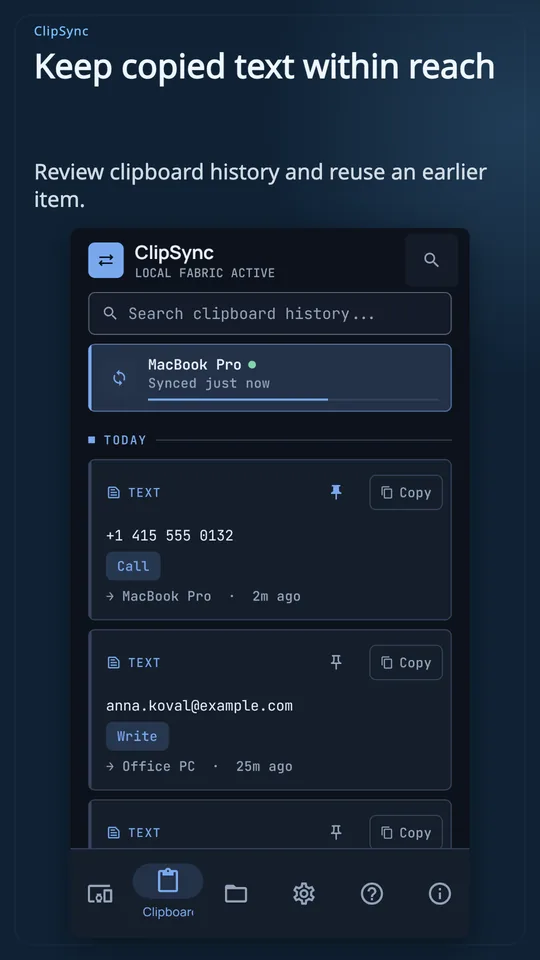
Unified multi-device clipboard
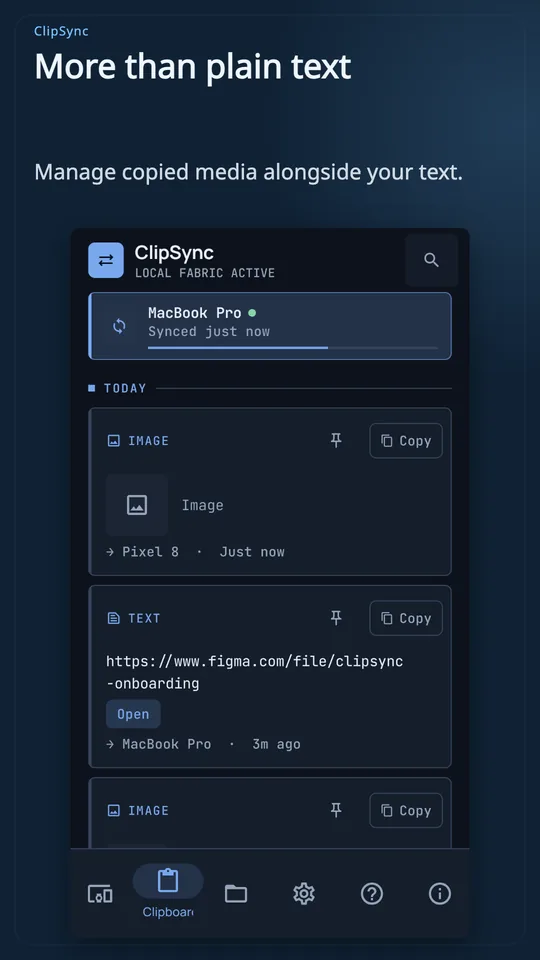
Copy text, links, or images on your phone and paste instantly on your computer over Wi-Fi without cloud relays.
A text clip icon copies on a phone screen mockup and flies across a dashed Wi-Fi wave into an open desktop document. The desktop document highlights with the newly pasted text snippet.
ClipSync
Cables and cloud uploads make moving phone files to my PC frustrating.
Resumable two-way file transfer
Drop files directly between devices over your local network. Interrupted transfers resume automatically, verified with SHA-256 integrity checks.
A photo tile slides from the phone window toward a desktop folder. A progress ring completes, and a green checkmark appears confirming SHA-256 integrity.
ClipSync
I worry that copied passwords remain stored in clipboard history and clouds.
Ephemeral secrets protection
Passwords travel encrypted in memory only, stay out of clipboard history, and automatically wipe from memory after 45 seconds.
A password badge with a key emblem glides across an encrypted tunnel. A 45-second timer rings down to zero, wiping the badge cleanly.
ClipSync
Grabbing my phone for every buzz and call interrupts my desktop work.
Desktop notification and call control
View incoming phone calls and notifications right on your desktop screen. Reply to messages or dismiss alerts without picking up your handset.
A notification bubble appears in the desktop system tray showing an incoming caller name. The user clicks dismiss, and the alert fades simultaneously on both devices.
ClipSync
I don't want recurring subscriptions or third-party servers storing my private data.
One-time purchase, offline-first privacy
ClipSync costs $19 once for up to 5 devices, distributed outside Google Play with peer-to-peer encryption and zero cloud accounts.
A single license badge locks into five device slots simultaneously. A cloud icon crossed out confirms direct local encrypted communication.
ClipSync
Képernyőképek
Néhány fontos tudnivaló
Why is ClipSync not on Google Play?
We distribute ClipSync directly as a standalone APK to ensure true peer-to-peer privacy, zero Google Play telemetry, and lifetime license activation without store subscriptions.
How does the $19 license work?
You pay $19 once with USDC on Base to unlock all features across up to 5 personal devices, including Linux, Windows, macOS, and Android, with updates included.
Does ClipSync work without an internet connection?
Yes. All clipboard sharing, file transfers, and notification mirroring operate entirely within your local Wi-Fi network using local encryption, with no external server relay.