 SecureVault
Passwords · AES-256 · Offline Vault
Keep your passwords completely private on your own phone
SecureVault stores logins, crypto secrets, and notes with AES-256-GCM encryption, biometric unlock, and zero internet permission.
Google Play · Android
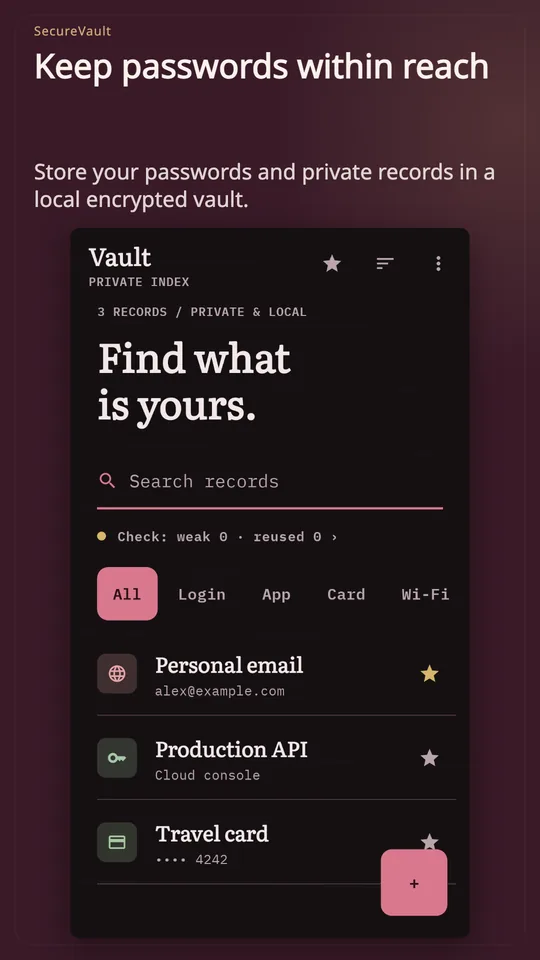
SecureVault
I reuse the same weak passwords because remembering complex ones is impossible.
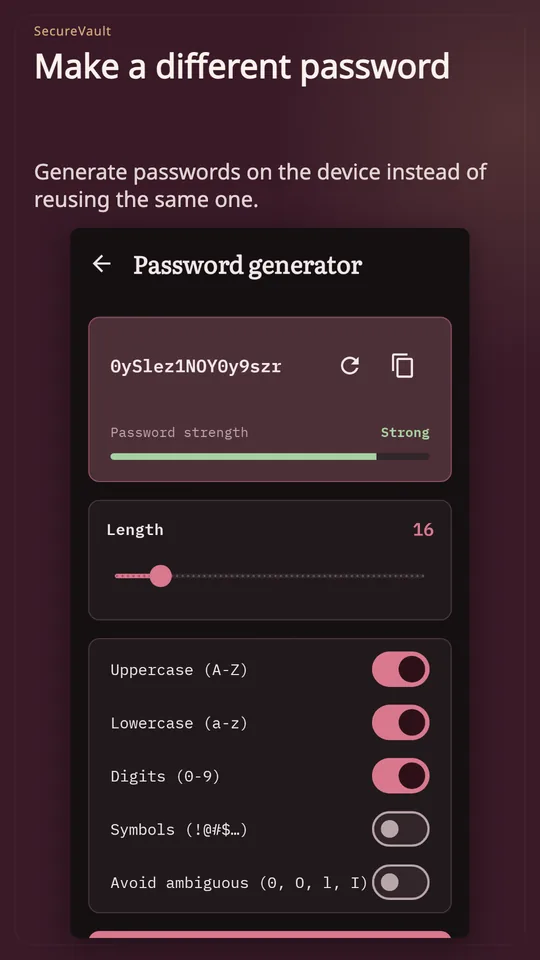
Configurable strong password generator
Generate strong passwords with custom length and special character sets, saving them directly into your encrypted vault.
A slider adjusts character length from 8 to 24 symbols. A randomized sequence of letters, digits, and symbols locks into a shielded entry field.
SecureVault
I worry that cloud password managers expose my credentials in data breaches.
Zero-cloud offline AES-256-GCM encryption
Entries are encrypted on your phone using AES-256-GCM without internet permissions, user accounts, or external database servers.
A data record passes through an AES-256-GCM cipher icon, locking into a steel vault box. A signal cross confirms zero internet connectivity.
SecureVault
Typing a long master password every time invites shoulder surfing in public.
Instant biometric and master authentication
Open your vault instantly using fingerprint or face unlock on supported devices while keeping master password protection intact.
A fingerprint scanner sensor icon pulses green. The vault door mechanism swings open smoothly to reveal categorized logins.
SecureVault
Passwords left sitting in the Android clipboard risk being read by other apps.
Automated clipboard clear timer
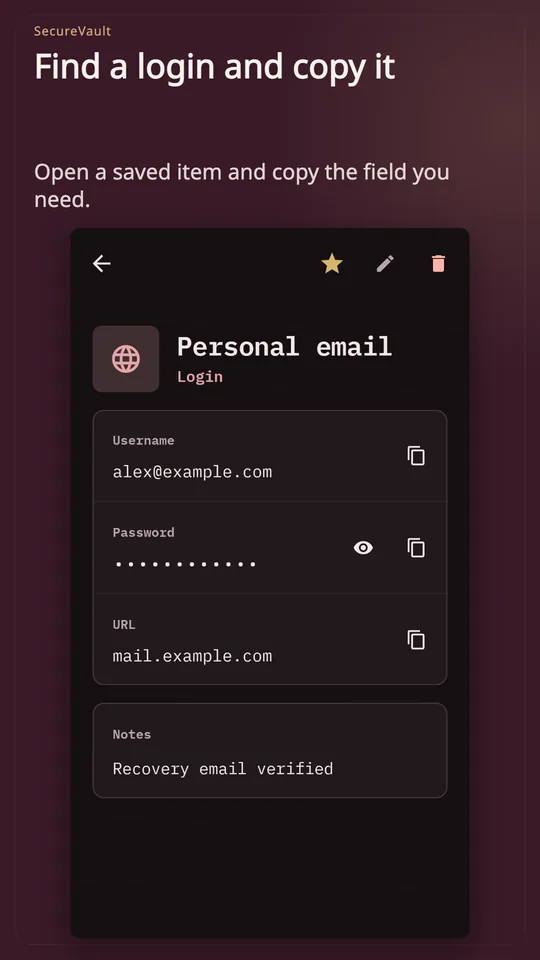
Copy credentials to log in, and SecureVault automatically purges your clipboard after a preset countdown to prevent background leaks.
A copied password appears in the clipboard buffer with a running countdown indicator. As the timer expires, the buffer clears to null.
SecureVault
I fear getting permanently locked out of my passwords without any safety net.
Private emergency recovery code
Generate a secure offline recovery code during setup to restore vault access if you ever misplace your master password.
An emergency recovery key card folds into a secure envelope graphic. The user receives instructions to archive it offline.
SecureVault
Tangkapan layar
Hal yang perlu diketahui
Can someone recover my vault if I lose my master password?
Only if you saved your emergency recovery code. SecureVault has no accounts, backdoors, or reset servers, ensuring only you hold the keys.
Does the app have access to the internet?
No. SecureVault does not request Android internet permission. Your passwords, notes, and keys never leave your physical handset.
What encryption standard protects my data?
All records are encrypted locally with AES-256-GCM, the modern authenticated encryption standard used by security professionals worldwide.
SecureVault: Password Manager
Keep your passwords close and your private details private.
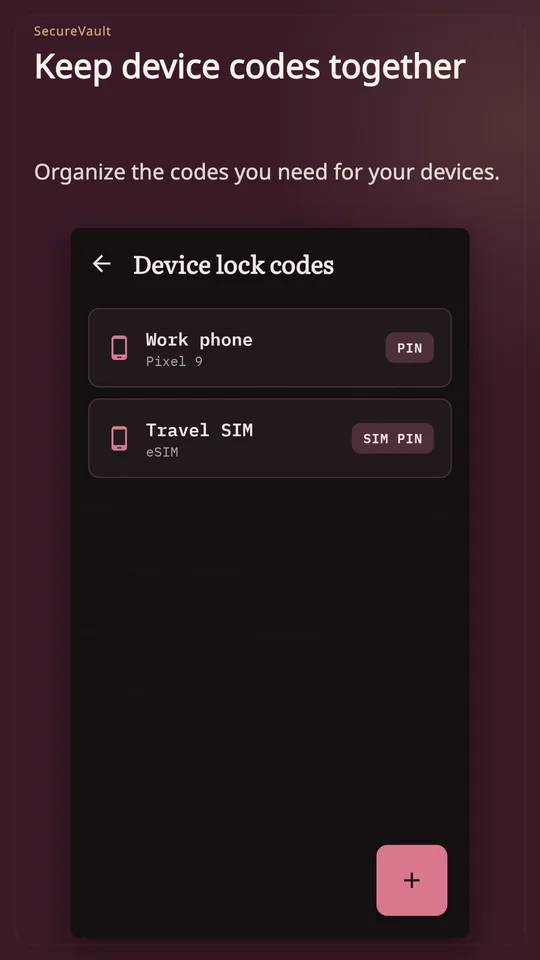
SecureVault is an offline password manager for Android. Keep logins, API keys, crypto wallet secrets and private notes in an encrypted vault on your phone, then find the entry you need with search.
• AES-256-GCM encryption for saved entries
• Master password and biometric unlock on supported devices
• Password generator with length and character options
• Categories, favorites, search and sorting
• Auto-lock and a clipboard clear timer
No account, cloud sync or internet permission. Keep your recovery code somewhere safe: without your master password or a valid recovery code, access cannot be restored. The interface is available in 10 languages.
Create your vault and add your first entry.