 AppLockGuard
App Lock · Fingerprint · Privacy
Lend your phone without worrying about private chats
AppLockGuard protects messages, banking apps, and galleries with PIN, pattern, or fingerprint unlock, running offline without ads or internet access.
Google Play · Android
AppLockGuard
I feel nervous handing my phone to others because they might open private chats.
Instant per-app lock screen
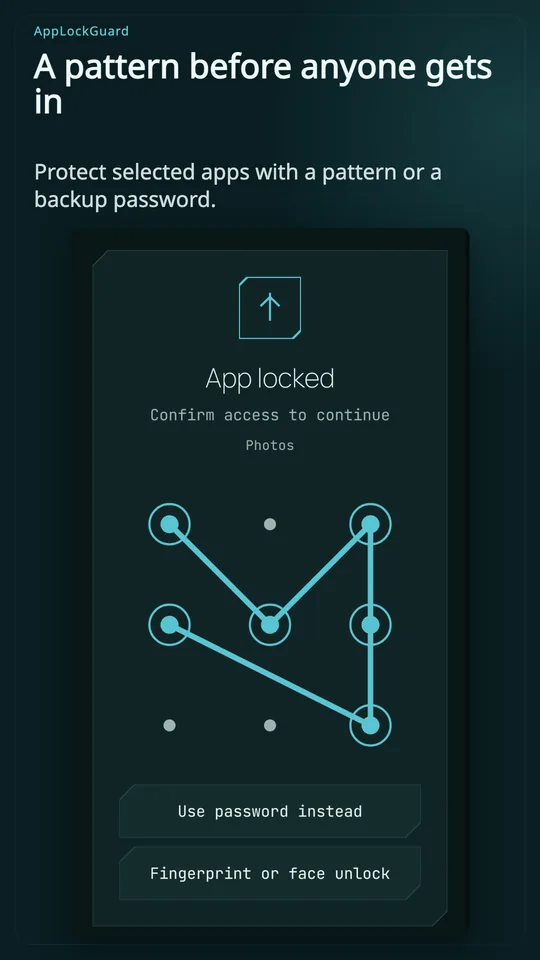
Display an immediate password or pattern challenge screen the moment anyone tries opening your selected messaging or gallery apps.
An app icon is tapped on a smartphone mockup. A sleek lock screen snaps over the view, requiring PIN or pattern verification.
AppLockGuard
Unlocking an app every time I temporarily switch tasks wastes time.
Configurable re-lock timeout duration
Customize re-lock delays so apps stay accessible while you actively multitask, locking again only after your screen turns off or idles.
A timer progress bar counts down smoothly after an app minimizes. The lock state resets to secured once the timeout threshold completes.
AppLockGuard
Entering passwords in public makes it easy for bystanders to spy on PINs.
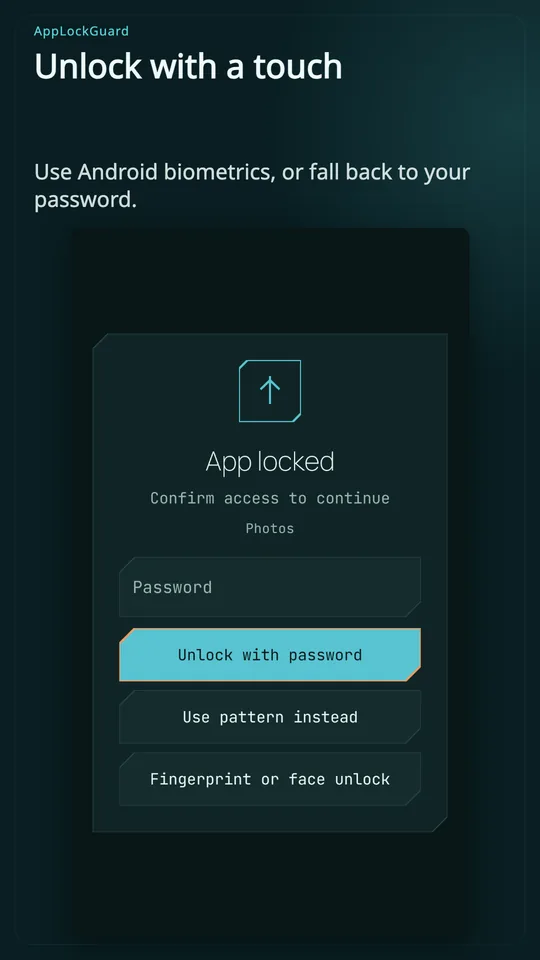
Biometric fingerprint and face unlock
Bypass manual PIN entry with instant biometric authentication, opening your protected applications in a fraction of a second.
A fingerprint icon activates with a bright ring wave. The overlay lock slides aside instantly to expose the app content.
AppLockGuard
Sorting through dozens of installed apps to protect the right ones is tedious.
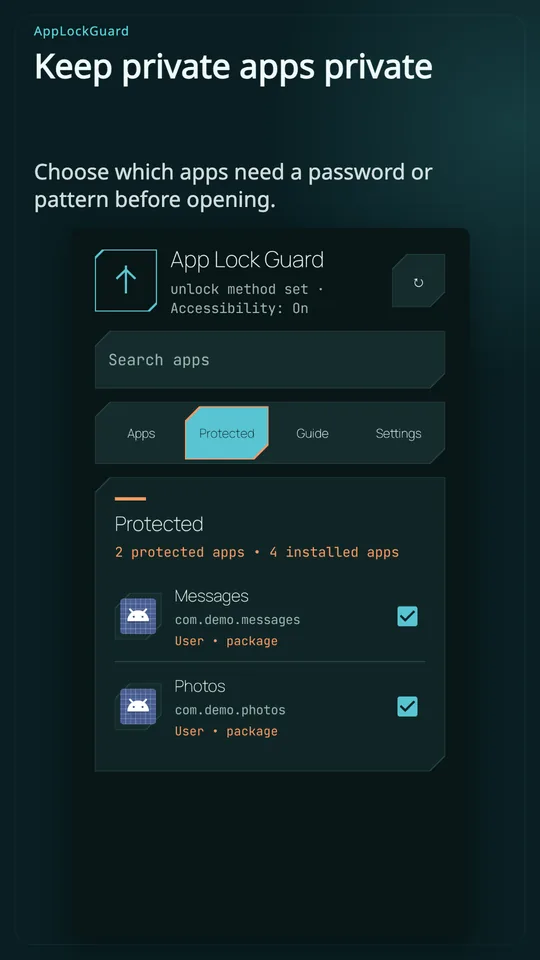
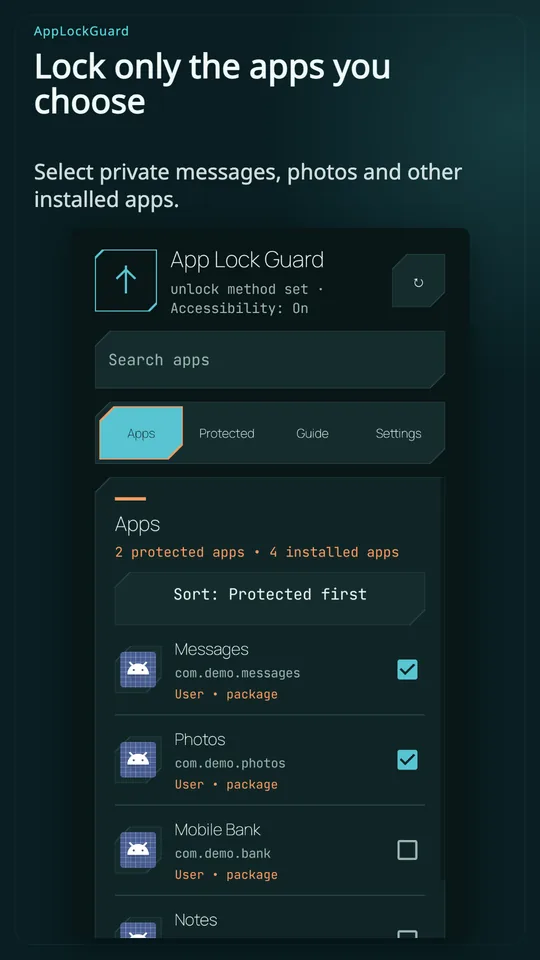
Quick search and protected-app list
Quickly locate apps with instant search filters and manage all secured targets from a clean, dedicated protection dashboard.
A search query filters an app list down to chat and banking apps. Toggle switches animate from grey to green, securing them.
AppLockGuard
I do not trust app lockers that demand internet access or display advertisements.
Zero-internet permission privacy guarantee
AppLockGuard operates without Android internet permissions or ads, keeping your app usage patterns strictly confined to your personal hardware.
An Android permissions sheet highlights 'No internet permission requested'. A lock icon seals the preferences card with a verified badge.
AppLockGuard
スクリーンショット
知っておきたいこと
What permissions does AppLockGuard need to work?
It requires Accessibility or Usage Access to detect when a protected app opens on your screen. It asks for zero internet permissions.
Can I unlock apps with my fingerprint?
Yes. On supported devices with biometric hardware, you can unlock protected apps instantly with your fingerprint or facial recognition.
Does the app send any data over the internet?
No. AppLockGuard contains no network permission code, meaning none of your app usage or personal data can ever leave your phone.
AppLockGuard: App Lock
Keep personal conversations personal.
AppLockGuard places an unlock screen before the Android apps you choose. Protect access to messages, your gallery and other private screens when someone else uses your phone.
• Unlock with a password or pattern
• Use fingerprint or face unlock on supported devices
• Find apps with search and a protected-app list
• Choose when apps lock again
• Switch between light and dark themes
Accessibility or Usage Access is required to detect an opened app. Some devices also need background or autostart permission. Data stays on your phone; the app has no internet permission.
Choose the apps you want to protect.